Run your warehouse
from the gate to the invoice.

Cargo Flow Systems is the bilingual operations platform for 3PL warehouses: docks and yard, driver and visitor kiosks, receiving, inventory, shipping, billing and a client portal. One system, live on every screen.

Used every day by 3PL and freight-forwarding warehouses on the Ciudad Juárez–El Paso border.

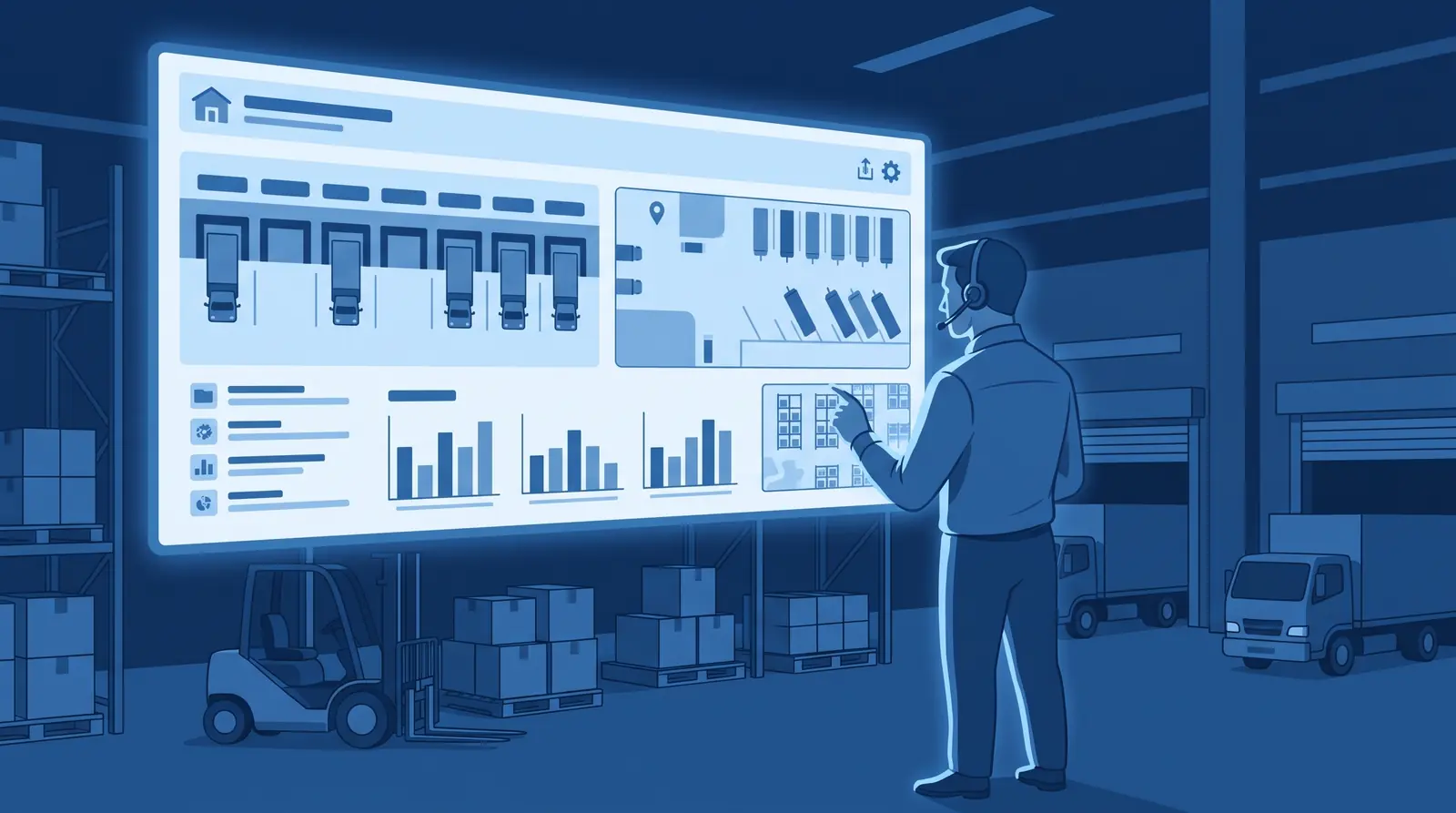
Operations manager in front of a live warehouse control board with docks, yard map and inventory charts
  • 16 modules, switch on what you need
  • English and Spanish everywhere
  • Boards that update live
  • Self check-in for drivers and visitors
  • Invoices built from what happened

Why teams switch

Less waiting at the gate. Inventory you can trust. Invoices nobody argues with.

01

Trucks stop piling up

Drivers check themselves in at the kiosk, supervisors assign a door or a yard spot from a live board, and the driver gets a text. No clipboard, no shouting across the yard.

02

Counts match reality

Every pallet is received by scanner, stored by location and lot, and every move leaves a trail. Expiring stock raises its hand before it becomes a problem.

03

Billing writes itself

Storage accrues by the day, services and accessorials are captured where they happen, and the invoice comes out of the record, not from memory.

04

Clients stop calling to ask

They see their inventory, receipts and shipments in the portal and get the documents by email the moment they exist.

Elevated view of dock doors, trucks and numbered yard spots, with a supervisor holding a tablet

Dock & yard

Every truck, from the kiosk to the dock door

A live board of what is at each door and what is waiting in the yard, with the whole job lifecycle on it.

  • Bilingual driver kiosk with photo, configurable fields and text-message consent.
  • Job queue per door with timing, photos, checklists and instant broadcast to every screen.
  • Yard map with spots, trailer moves and crossdock in a single job.
See all modules
Warehouse worker scanning a pallet next to racks with location and lot labels

Receiving & inventory

Receive by scanner, store by location and lot

The advance notice becomes a receipt; the receipt becomes stock you can find, count and trust.

  • Advance shipping notices, scanner capture, supervisor review and confirmation.
  • Inventory by location and lot, adjustments and transfers with a full audit trail.
  • Expiry alerts and first-to-expire allocation when it is time to ship.
See all modules
Forklift loading a wrapped pallet into a trailer while a worker checks the shipping document

Shipping & documents

Ship what was reserved, with the paperwork ready

The shipment notice reserves the right stock; the dock records the load and the seal; the documents come out on their own.

  • Shipment notices from clients by portal, email or EDI, reserved automatically.
  • Loading record with seal and quantities right at the dock.
  • Bill of lading, packing list and goods receipt generated from your templates.
See all modules
Visitor checking in on a tablet kiosk with a QR code on their phone while reception looks on

Visitor management

Every person on site, accounted for

From the invitation to the exit: visitors register themselves, hosts get notified, reception always knows who is inside.

  • Kiosk check-in with returning-visitor recognition and the fields each visit type needs.
  • Invitations with QR code, short code and calendar file; confirmation and pre-registration from the phone.
  • Host notices by email, bell or text; live who-is-on-site board; automatic reminders and check-outs.
See all modules
Client reviewing inventory and an invoice in the customer portal on a laptop

Client portal & billing

Your clients see their goods. You see the money.

Each client gets a window into their own inventory and documents; every service you render becomes a line on the invoice.

  • Inventory, receipts, shipments and shipment notices, with read or write access per user.
  • Pallet-day storage, handling, services and accessorials billed from the record.
  • Invoices with PDF and receivables; quotes with validity dates for prospects.
See all modules
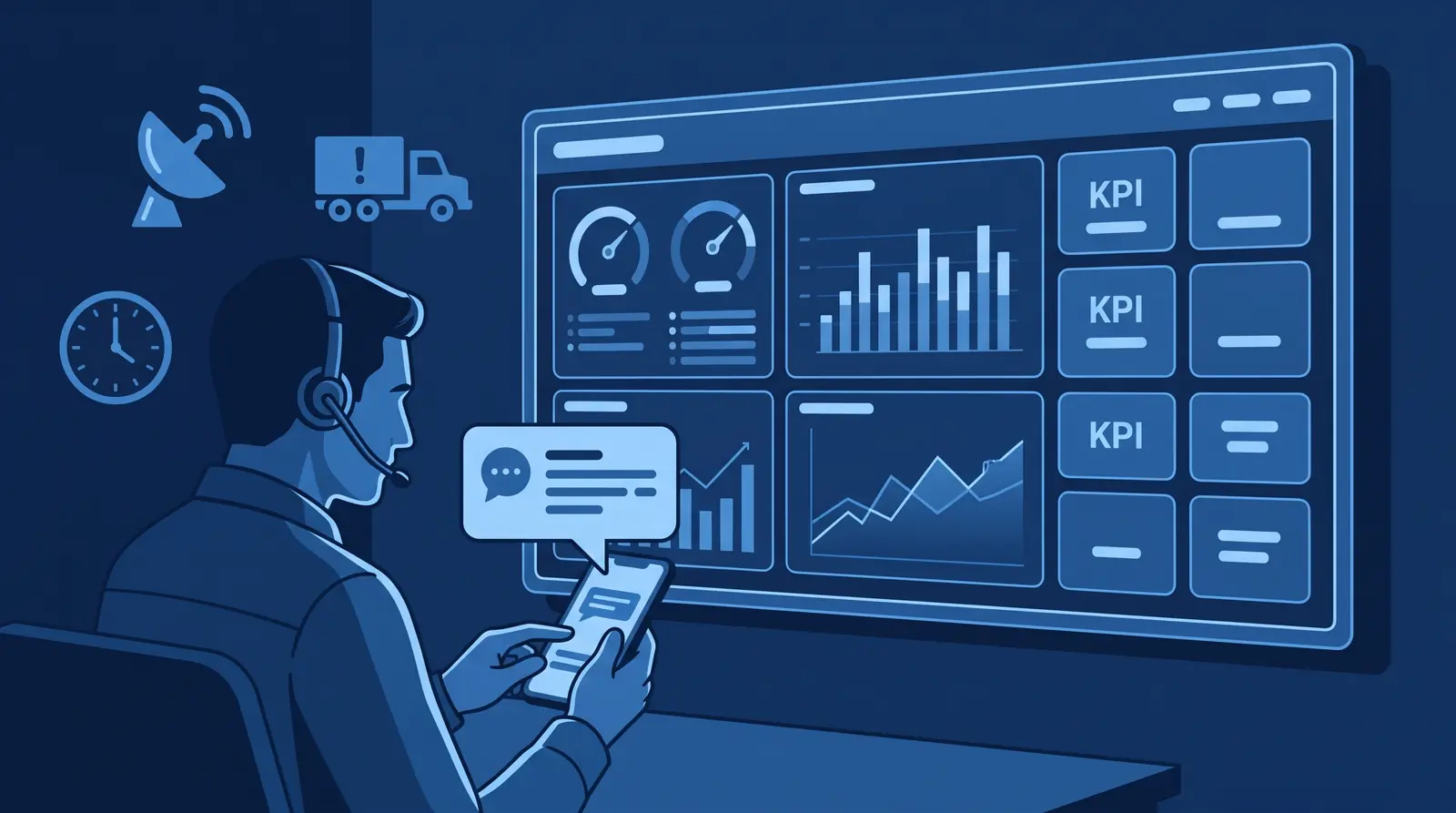
Analytics wall with gauges and charts while a manager receives an alert on their phone

Real time & KPIs

See it happen. Then measure it.

Boards refresh the instant something changes, alerts reach the right people, and the KPI catalog turns the day into numbers.

  • Dock, yard, receiving and visitor boards refresh live, no reload.
  • Proactive alerts: late shipments, overdue receipts, expiring lots.
  • KPI dashboards you assemble, with visibility per role; reports and audit trail.
See all modules

How it works

One thread from the truck at the gate to the invoice

  1. 01

    Arrive

    The driver checks in at the kiosk; the supervisor assigns a dock or a yard spot; the driver gets a text.

  2. 02

    Receive

    The notice becomes a receipt captured by scanner, reviewed and confirmed. The receipt note goes out on its own.

  3. 03

    Store

    Stock lives by location and lot. Adjustments, transfers and expiry alerts keep the count honest.

  4. 04

    Ship

    The shipment notice reserves the right stock; the dock records load and seal; a supervisor closes it with the documents.

  5. 05

    Bill

    Storage accrues daily, services land on the same invoice, and the client sees it all in the portal.

The platform

Sixteen modules. Switch on only what your operation needs.

Each module is a switch per warehouse. A site can run only docks and yard, only visitors, or the full WMS, without changing how the rest works.

Dock & yard

Dock Management

Live dock board, job queue per door, timing, photos, checklists.

Yard Management

Spot map, trailer moves, yard jobs, live inventory of trailers.

Driver kiosk

Bilingual self check-in with photo and configurable fields.

Crossdock

Unload and load in one job with its receipt and shipment.

Warehouse

Receiving

ASN, scanner capture, review and confirmation, receipt note.

Inventory

Locations, lots, expiry alerts, adjustments, movements.

Shipping

Notices that reserve stock, loading record, BOL, packing list.

Documents

Receipts, BOL and packing lists from your own templates.

People & clients

Visitor Management

Kiosk, invitations with QR, host notices, on-site board.

Client portal

Inventory, receipts, shipments and notices per client.

Notifications

SMS and WhatsApp, email and in-app alerts.

Business

Billing

Pallet-day storage, services, invoices, receivables.

Accessorials

Extra charges captured at the dock, straight to the invoice.

Quoting

Quotes with validity dates tied to your service catalog.

Insight & integration

KPIs

Metric catalog, dashboards, visibility per role.

Reports & audit

Driver log, visit history, dock, yard, inventory, audit trail.

REST API

Push notices and shipments, query inventory, webhooks.

EDI X12

Inbound and outbound documents with your clients.

Who it is for

Built for warehouses that keep other people's goods

3PL warehouses

Multi-client inventory, storage and service billing, and a portal so every client sees only what is theirs.

Freight forwarders & cross-border

Crossdock in one job, drivers registered in their own language, documents ready when the truck leaves.

Distribution centers with a yard

Dock and yard control first; add receiving, inventory and shipping when you are ready.

Sites that receive visitors

Contractors, auditors and clients registered at a kiosk, hosts notified, everyone accounted for.

Connects with what you already use

  • REST API with per-client tokens
  • EDI X12 with your clients
  • SMS and WhatsApp (Twilio)
  • Email notifications and documents
  • Webhooks on receipts and shipments
  • Excel and PDF exports
  • Any barcode scanner or camera

Questions

Frequently asked questions

What is Cargo Flow Systems?

Cargo Flow Systems is a cloud operations platform for third-party logistics (3PL) warehouses. It covers dock and yard management, driver and visitor check-in kiosks, receiving, inventory, shipping, documents, storage and service billing, a client portal, notifications, KPIs, a REST API and EDI X12, in English and Spanish.

Do I have to use every module?

No. Each module is a switch per warehouse. Many operations start with docks and yard or with visitors only, and add receiving, inventory, shipping and billing later without changing anything already in use.

Is it really bilingual?

Yes. Every screen, the kiosks, the emails and the text messages are available in English and Spanish, and each user, driver and visitor picks their own language.

What do drivers and visitors need to check in?

Only the kiosk, a tablet or a phone. Drivers register with a photo and the fields you configure; visitors can arrive with an invitation code or QR and finish in seconds. No app to install.

How does billing work?

Storage accrues automatically by pallet-day for each client, handling and services are captured on the receipt and shipment, and accessorials right at the dock. Invoices are generated with PDF and tracked as receivables.

Can it connect with my clients' systems?

Yes. Clients can send shipment notices through the portal, by email or by EDI X12, and a REST API with per-client tokens lets systems push notices and shipments, query inventory and receive webhooks.

Where does it run and who can access it?

It runs in the cloud, supports several warehouses per account, and uses roles and permissions with an audit trail. Clients only see their own goods through the portal.

How do we get started?

Request a demo. We walk through your busiest day, switch on the modules you need and configure your warehouse, fields and documents with you.

Request a demo

See Cargo Flow running on your operation

Thirty minutes. Bring your busiest day and we will walk through it together.

Number of warehouses

We only use your details to get in touch about the demo. Or write to us at admin@cargoflowsystems.com.

Modular by design. Start with docks and yard, add the warehouse when you are ready, switch on visitors or billing per site. Plans are tailored to each operation.

Ready to run your warehouse from the gate to the invoice?